
How to make esports graphics
There are four ways to make esports graphics: by hand in a free design tool such as Canva, with a paid design tool and a spreadsheet, with a freelancer, or automatically from your match data. Which one fits depends less on design skill than on how many matches you play and who makes the graphics at 22:00 after the last map.
This guide goes through all four honestly, including when Canva is all you need.
First: what you are making
Before choosing a tool, count the files. One match produces up to five posts: announcement, starting five, live, score update and result (the matchday guide goes through them). Each post is needed in up to four sizes: square, portrait, story and landscape (see image sizes for team graphics).
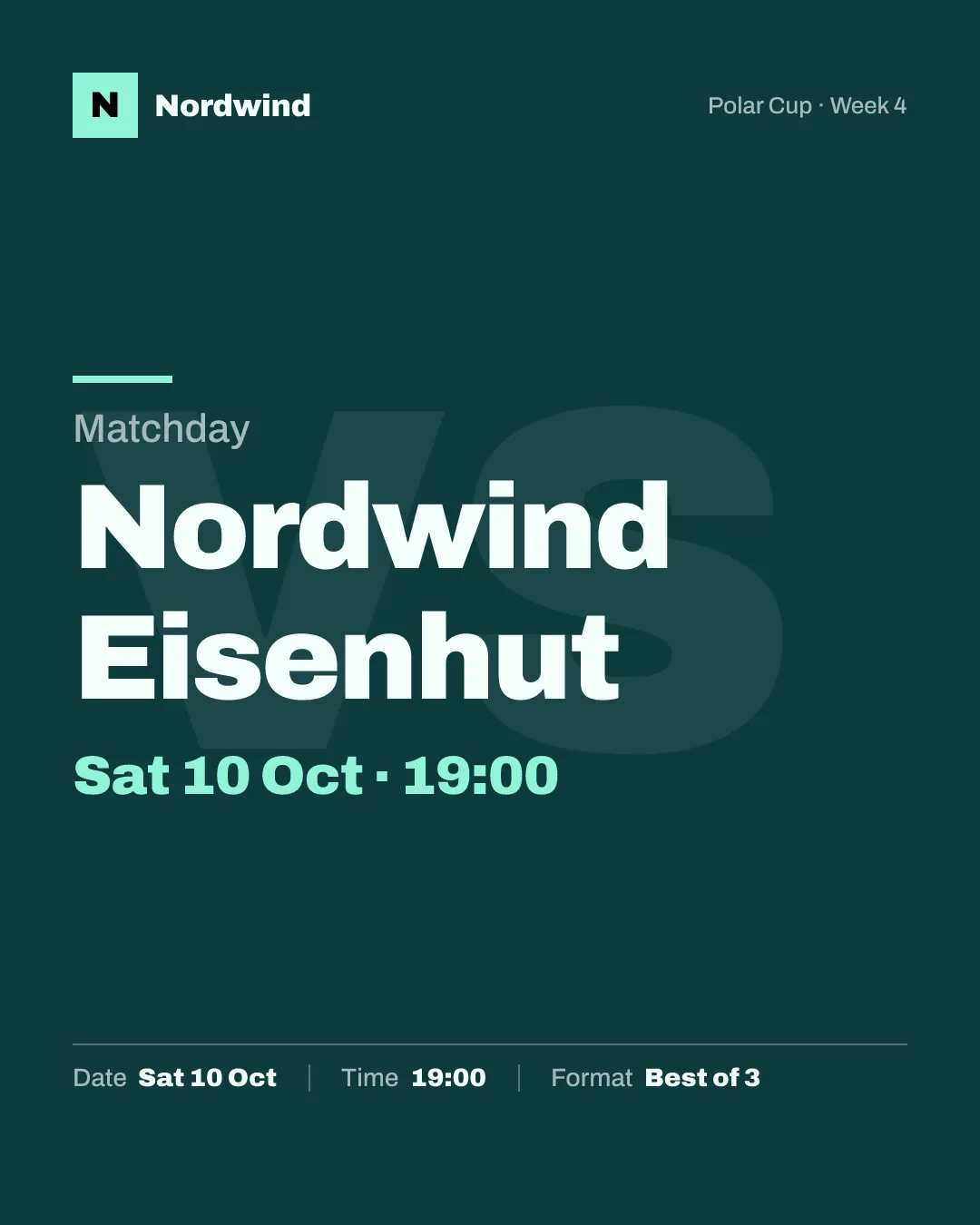
That is up to twenty files per match if you do everything, and realistically eight to twelve if you post announcement, roster and result in two or three sizes each. With two matches a week, the tool question is really a question about how you produce forty graphics a month without them looking different every time.
Whatever you choose, the rule is the same: build the template once, then only change the data. The checklist at the end lists what a template needs.
Option 1: by hand in a free design tool
Canva's free plan is where most teams start, and for good reason. It runs in the browser, it has a large gaming template section to start from (some templates are marked Pro), and nobody needs to install anything.
How to do it well:
- Build one template per post type, not one per match: an announcement, a roster graphic, a result. Put your logo, colours and fonts in, and leave text boxes for opponent, date, time and score.
- Protect what never changes. Lock logo, background and layout elements if your plan offers element locking, or put them on a separate background image that nobody edits.
- For each match, duplicate the template and change the text. Opponent, opponent logo, date, score. Nothing else.
- Make each size as its own design. On the free plan, Canva's automatic resize is not included, so each size is a separate design you keep in step by hand.
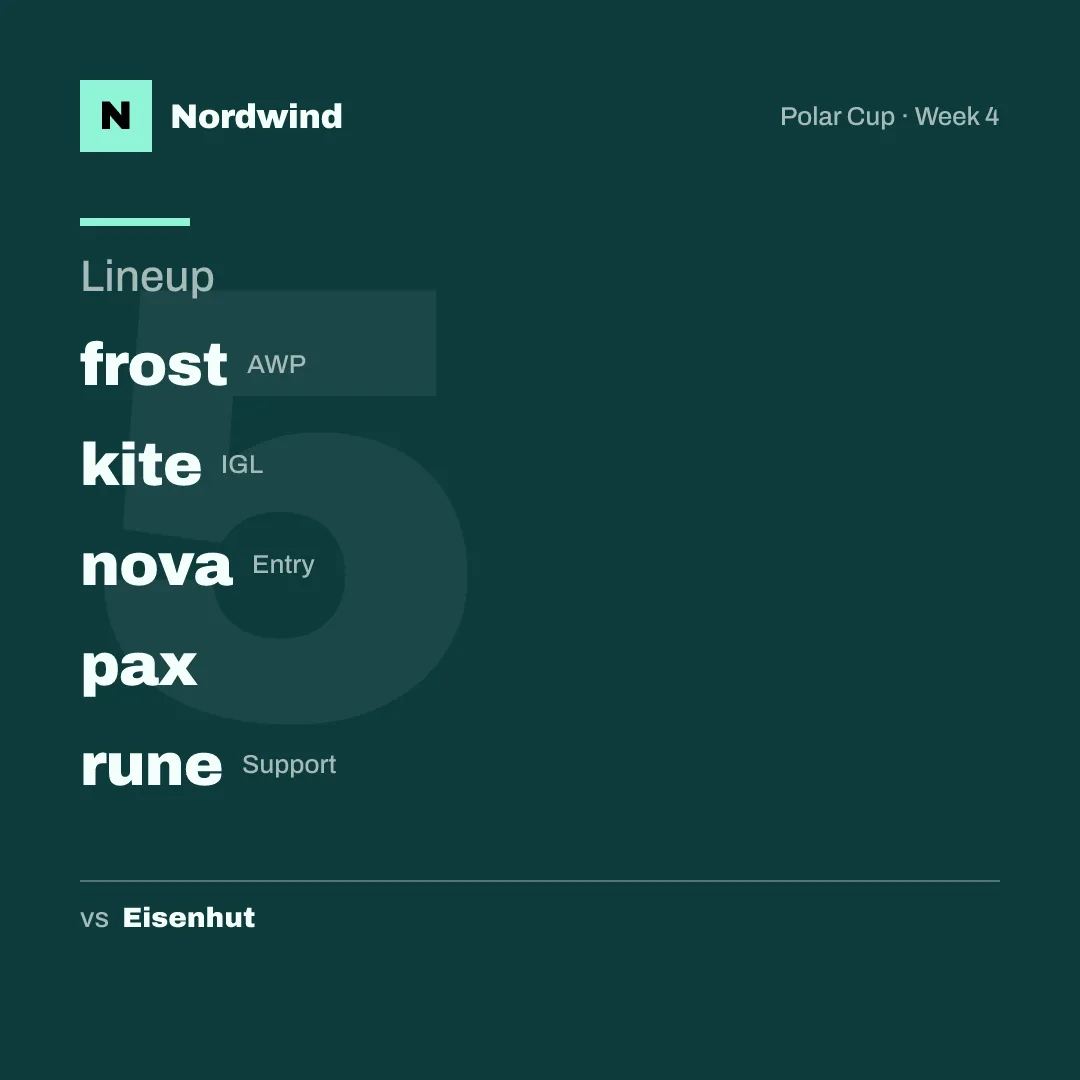
The work per match: for every post and every size, open the copy, change four to six text fields, swap the opponent logo, export, upload. It is quick for one graphic; it adds up across eight to twelve.
Enough if: you play once a week or less, you have one roster, and the person making the graphics enjoys it. Many teams never need more.
Where it gets hard: results at night, several people editing (each with slightly different habits), and keeping four sizes of every template in sync when you change something.
Option 2: a paid design tool and a spreadsheet
The paid plans of design tools add the two things that matter most for team graphics: resizing a design into other sizes, and filling many designs from a spreadsheet.
In Canva, these are Magic Resize and Bulk Create. According to Canva's help pages, both are part of the paid plans (Pro, Teams, Business, Enterprise and the education and nonprofit plans), and Bulk Create works on desktop only. Bulk Create links columns of a spreadsheet to the text and image fields of a design and makes one design per row.
That fits a season schedule well: put all fixtures into a spreadsheet (opponent, date, time, competition) and create every announcement of the season in one go. For results it helps less, because a result only exists once the match is over, one row at a time.
The work per match: the announcements are done in advance. Results and the score update are still made by hand, but from a template that is already in every size.
Enough if: you play on a fixed schedule, one person owns the graphics, and that person is comfortable with spreadsheets.
Option 3: a freelancer
A designer can build a template set in your team's look: one design per post type, often as files for Photoshop, Figma or Canva. This is the way to a look that is really yours, with custom illustration or photo work.
There are two ways to work with a freelancer:
- Pay for the template set once and fill it in yourselves. You get a better template, but the work per match is the same as in option 1 or 2.
- Pay per graphic. No work for you, but every result waits for the designer. A result posted the next afternoon has lost most of its reach.
Enough if: you want a distinctive look for announcements and signings, which are planned in advance. For results, the waiting time is the problem, not the quality.
Option 4: automation from match data
The fourth way is to stop editing graphics and only enter the match. The data (teams, date, format, map scores) goes in once, and the graphics come out of it in every size, in a look you set up once.
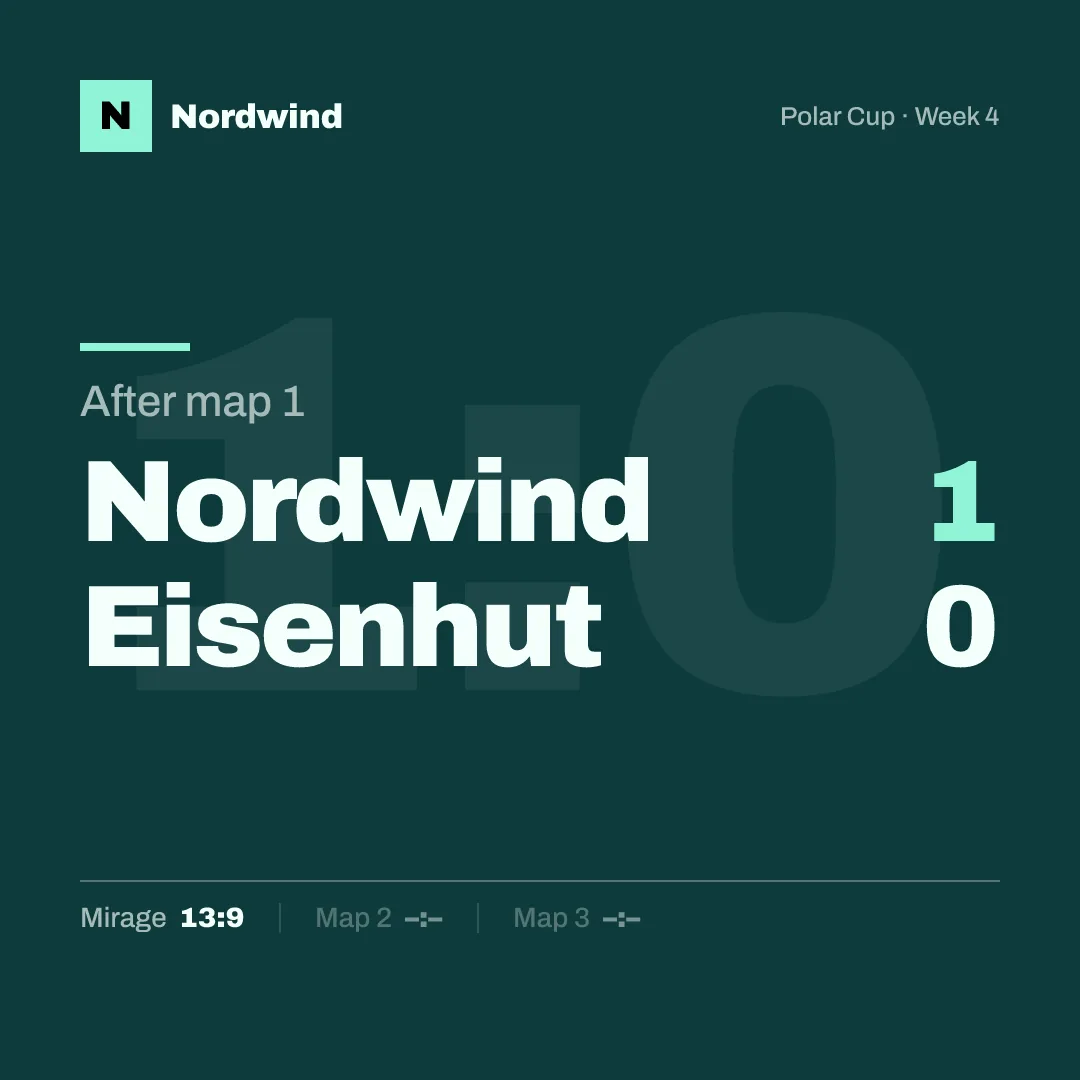
This is what we are building with gelvik. You set up logo, colours and roster once. For each match you enter the opponent and the time, and the announcement, the starting five and the result come out in your colours, in all four sizes; on the paid plans, the live post and the score updates do too.
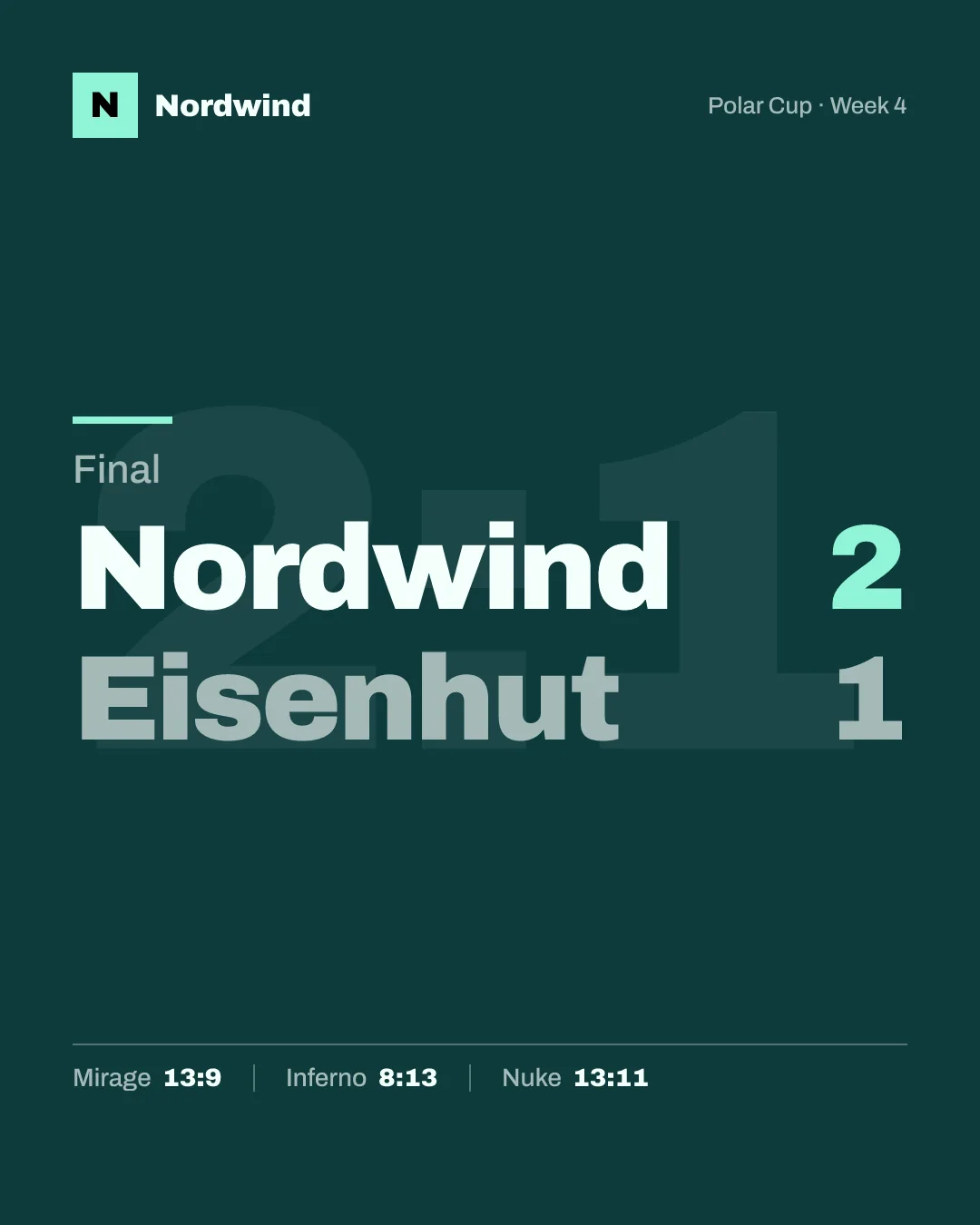
The trade-off is honest: you choose from finished styles instead of designing freely. There is no free canvas. If you want to place every element yourself, a design tool is the better choice. If you want the result out fifteen minutes after the last round, without anyone opening a design tool, this is what automation is for.
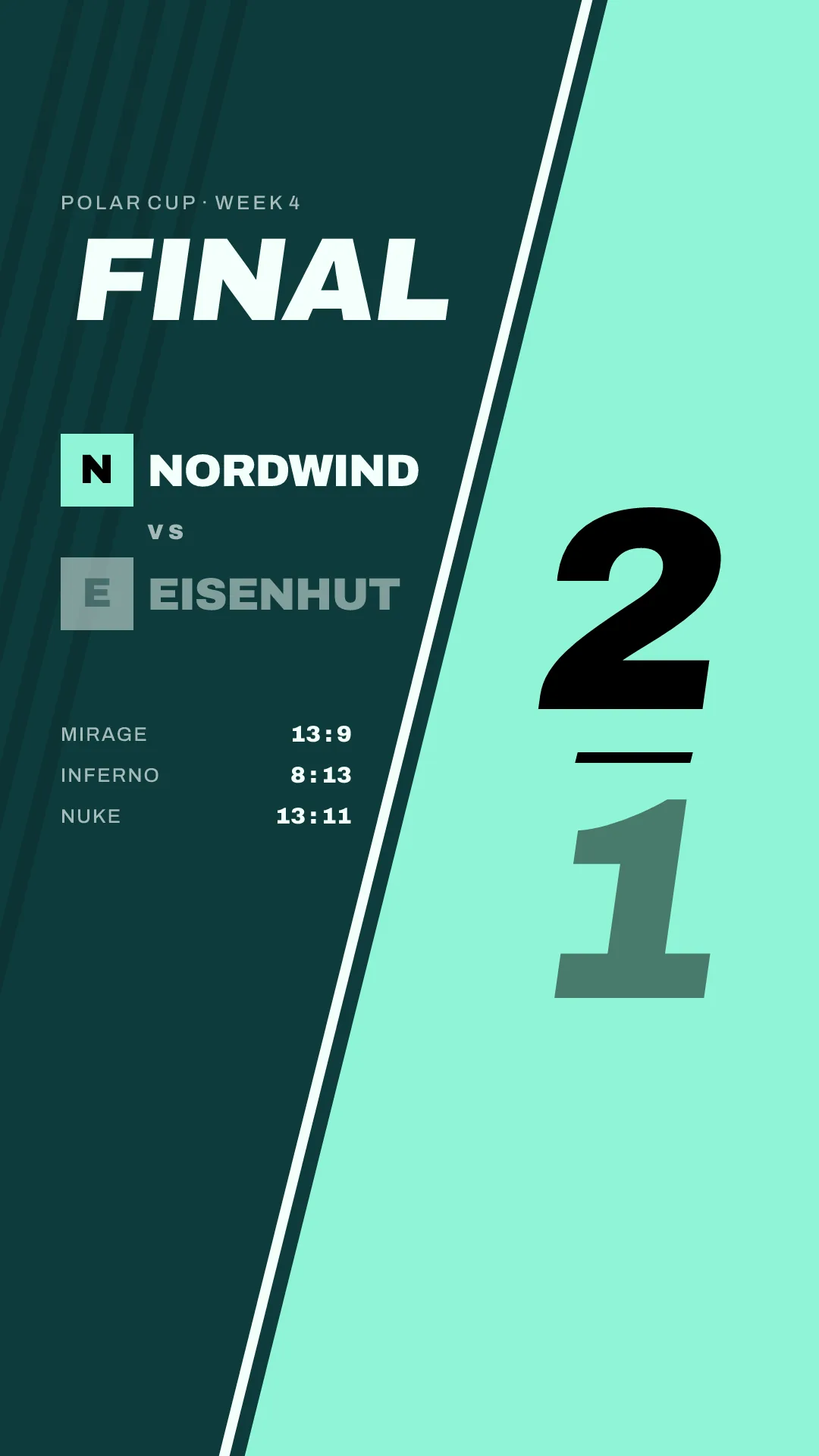
gelvik launches in early 2027. Join the waitlist to hear when it opens.
Which option fits your team
| Option | Setup | Work per match | Good fit |
|---|---|---|---|
| Free design tool by hand | One template per post type and size | Edit and export every file | One roster, one match a week or less |
| Paid design tool and spreadsheet | Templates plus a fixture spreadsheet | Announcements in advance, results by hand | Fixed schedule, one person in charge |
| Freelancer | A briefing and a budget | Same as above, or waiting per graphic | A distinctive look for planned posts |
| Automation | Logo, colours and roster once | Enter the match | Several matches a week, fast results |
Many teams combine them: a freelancer for the signing announcements, automation for the weekly matchday posts.
What a reusable template needs
Whatever tool you use, a template that saves time has these:
- Your logo, in a version that works on dark and light backgrounds
- Two or three team colours, the same on every template
- One font for headlines, one for text at most
- A fixed place for the opponent's name and logo
- A fixed place for date, time with time zone, competition and format
- For results: series score large, map scores small
- Every size set up, not only the one you use most
- Text kept away from the top and bottom edges of story sizes
- Everything that never changes locked, or on a background image nobody edits
- A file name pattern, for example date, opponent and post type
Sources
Checked on 15 October 2026:
- Canva Help Center, "Bulk Create": https://www.canva.com/help/bulk-create/
- Canva Help Center, "Resize designs": https://www.canva.com/help/resize/
- Canva Help Center, "Lock and unlock pages or elements": https://www.canva.com/help/lock-and-unlock-elements/
- Canva gaming templates: https://www.canva.com/templates/s/gaming/