
What to post on matchday
An esports team should post five times around a match: an announcement the day before or that morning, the starting five an hour before, a live post when it starts, a score update after each map, and the result as soon as it ends. Post the result whether you won or lost, and post it fast: that is the one people are waiting for.
This guide goes through the five posts in order, says what goes on each and where to post it, and ends with a checklist you can copy into your team's notes.
The timeline at a glance
Take a best-of-three in the Polar Cup, Nordwind against Eisenhut, starting at 19:00. The posts fall like this:
| When | Post | Main job |
|---|---|---|
| Day before, or by noon on matchday | Announcement | People plan their evening |
| 18:00 | Starting five | Fans know who plays; players share it |
| 19:00 | Live | Sends people to the stream or the match page |
| After each map | Score update | Keeps followers who are not watching in the loop |
| Within 15 minutes of the end | Result | The post everyone looks for |
If you only manage two, make it the announcement and the result. Those are the two that people search your profile for. It is also what most teams do in practice, mine included: we usually post only the announcement and the result, because the live post, the starting five and the score updates are simply too much work by hand.
1. The announcement
The announcement answers four questions: who, when, which competition, which format. Nothing else needs to be on it.
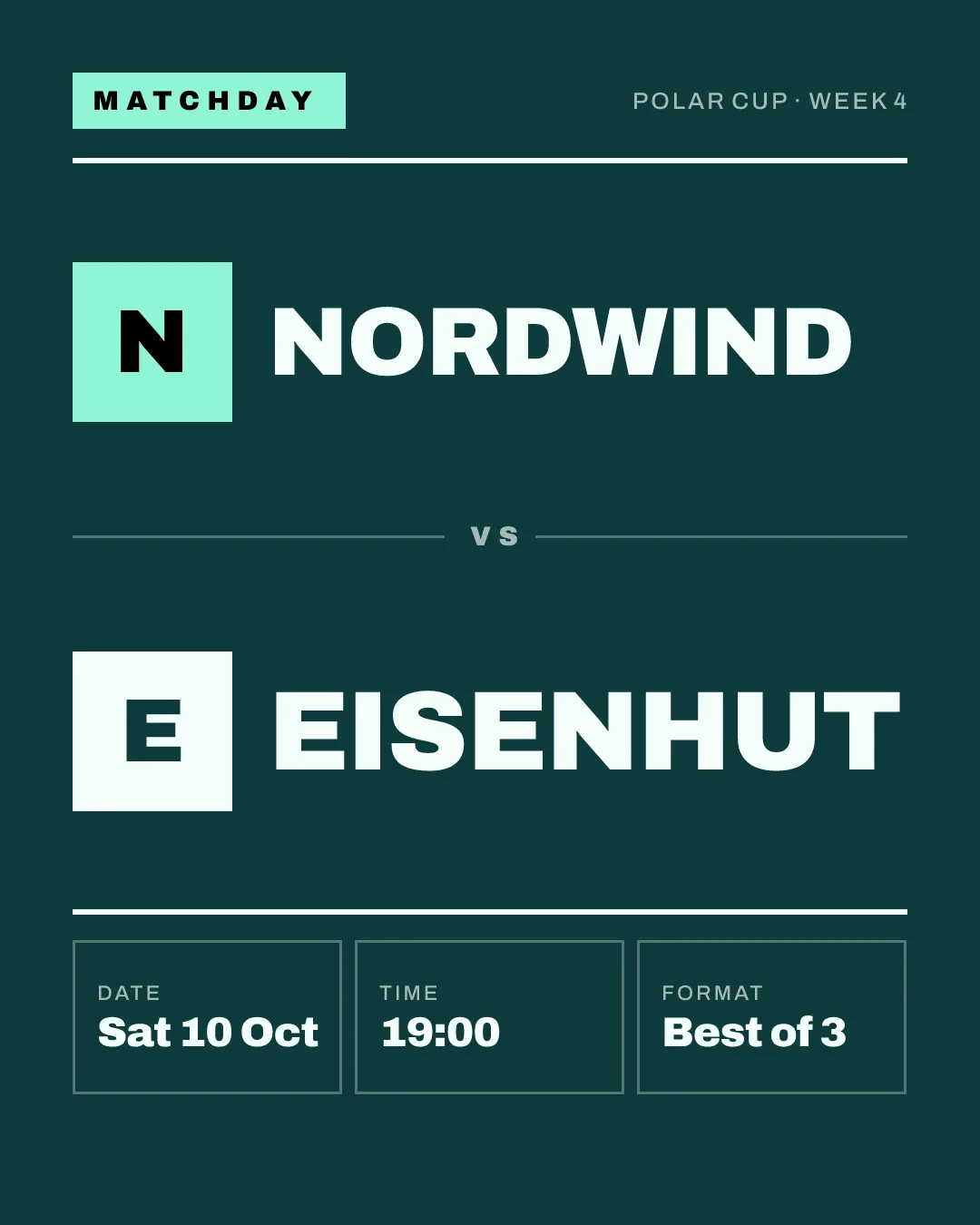
Post it the day before for an evening match, or by noon at the latest. A post at 18:55 reaches nobody in time to plan around it. Give the time with a time zone if your followers are spread across countries; "19:00 CET" saves you the replies.
Pin it in Discord and put it in your Instagram story as well as the feed. Tag the opponent and the organiser where the platform allows it: they often share it, and their followers are exactly the people who care about this match.
2. The starting five
An hour before the match, show who plays. A roster graphic (some call it a lineup graphic) lists the five handles, and roles if your team uses them.
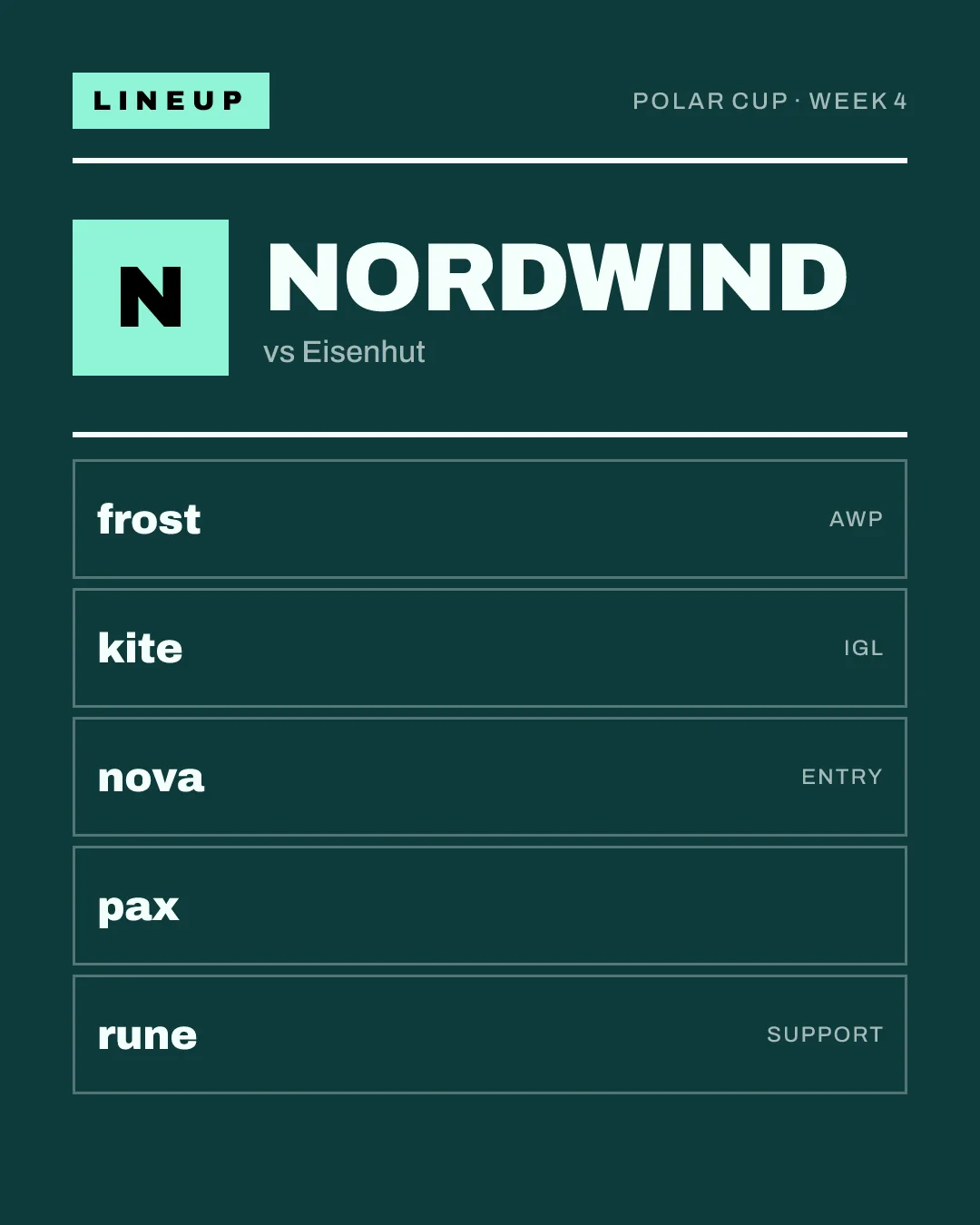
This is the post your own players share most, which is why it is worth making. Use handles only. Real names, ages or photos of players who are under 18 do not belong on a public graphic unless their parents have agreed to it, and for a club's youth team the safe default is handles only.
If a substitute plays, update the graphic. A starting five that is wrong is worse than none.
3. Live
When the match starts, post that it has started, with the link to the stream or the match page.
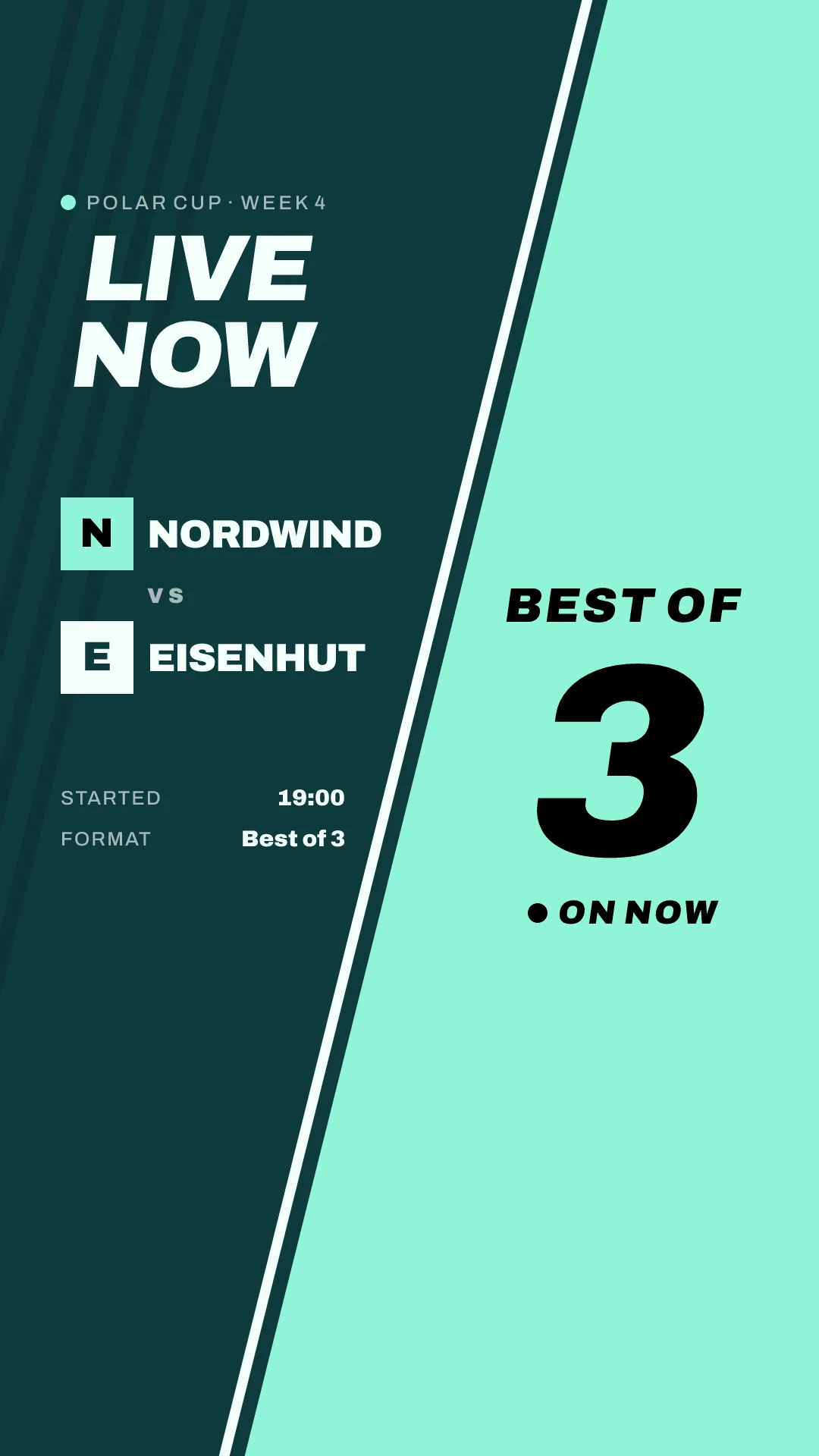
This is the shortest post of the day and the one that moves viewers. A story works best here: it is temporary, which suits a post that is out of date in two hours, and the link sticker takes people straight to the stream. On X and in Discord, put the link in the post text.
No stream? Post it anyway and link to the match page of the league or the platform, so people can follow the score.
4. The score update
In a best-of-three or best-of-five, post the series score after each map. One line of text is enough on X; a small graphic does better on Instagram stories and in Discord.
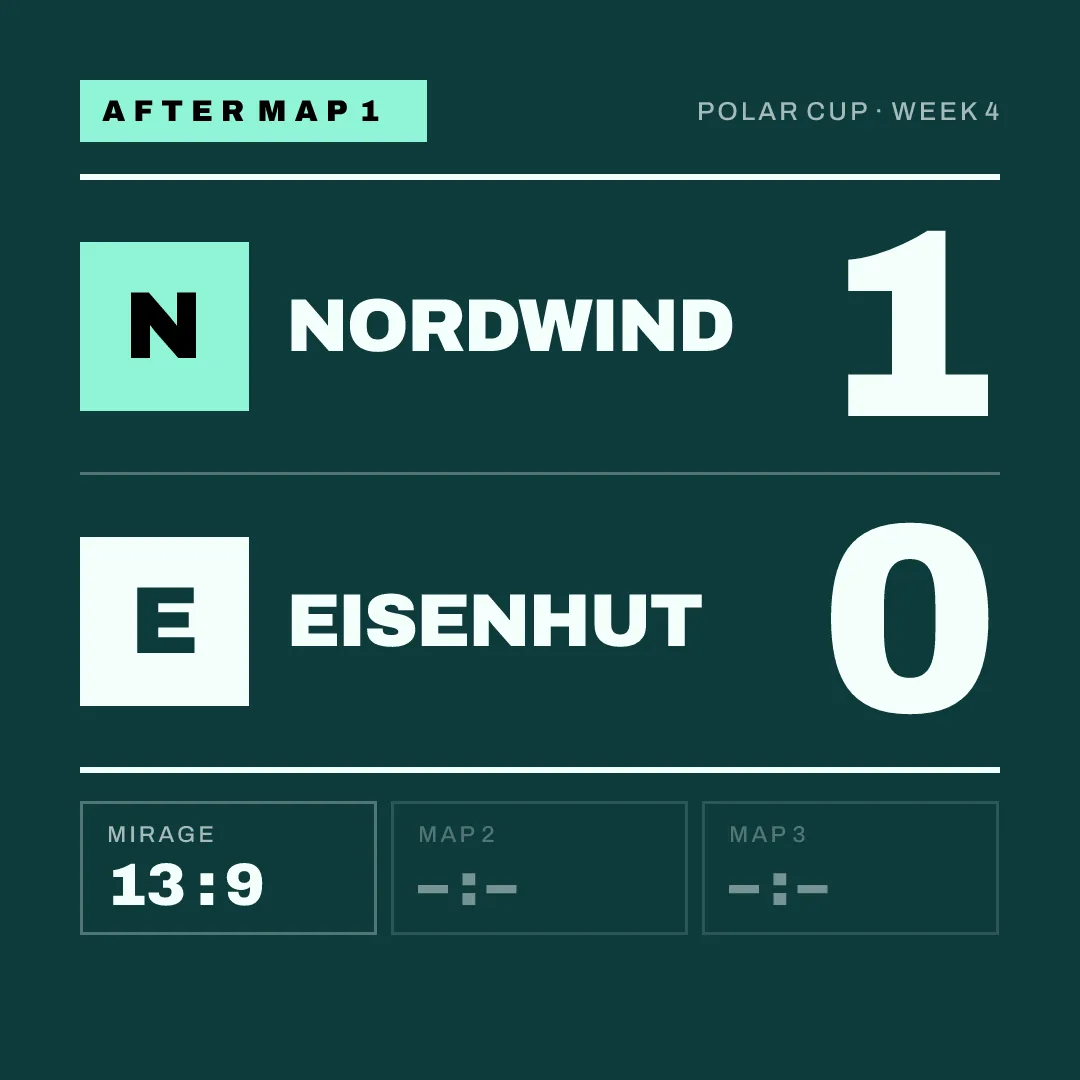
Keep it factual: series score, map score, what comes next. Skip it in a best-of-one: the result follows a few minutes later anyway.
5. The result
The result is the post people come for, so it has to be quick. Fifteen minutes after the last round is a good target; the next morning is too late, because by then the organiser and the opponent have already posted theirs.
I know how this goes wrong. Someone forgets, or the organiser confirms the final result late, and the result goes out the next day or not at all. After a few weeks the feed is patchy, and a patchy feed looks worse than a quiet one with a steady rhythm. If the confirmed result is delayed, post the score you played and correct it if needed.
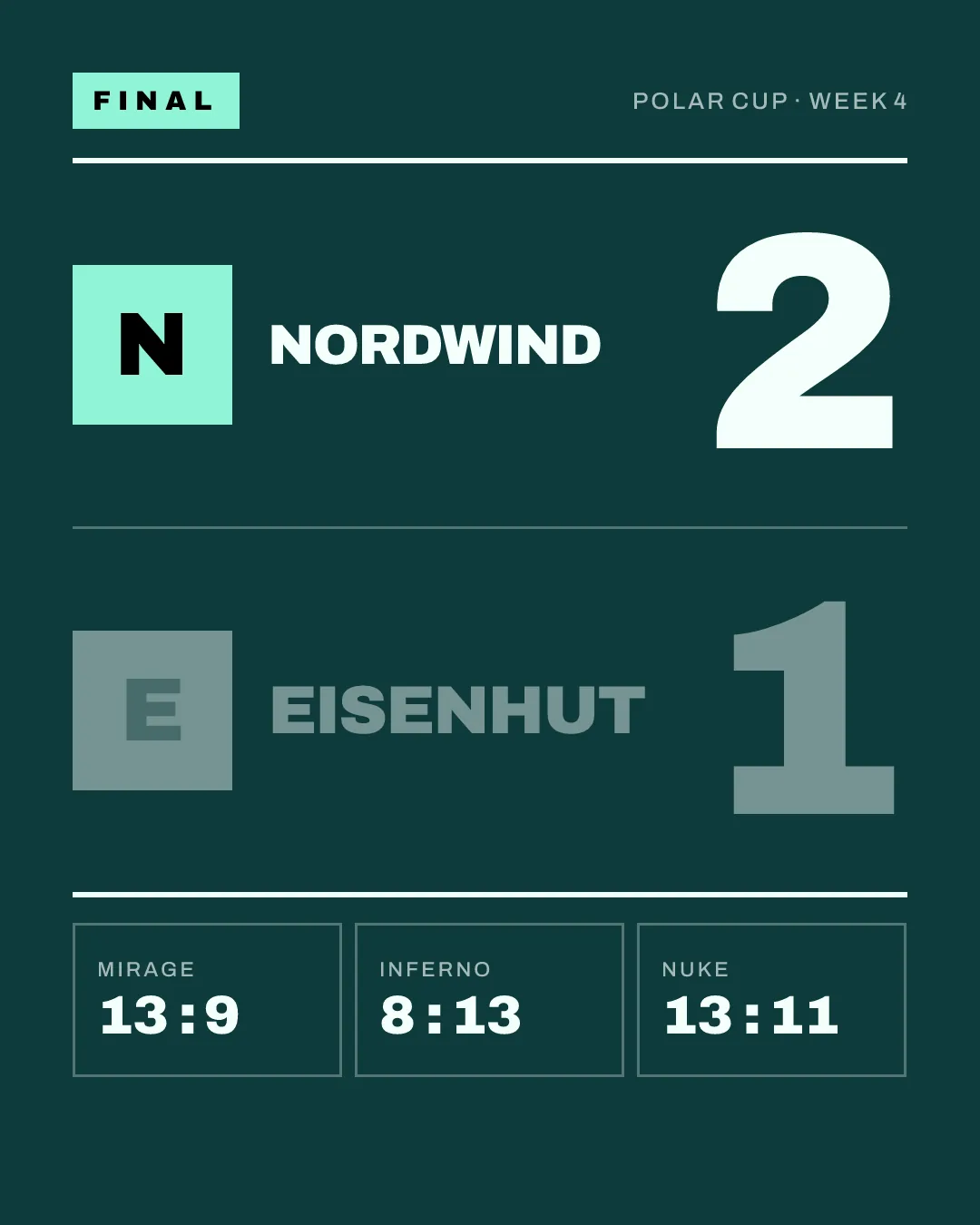
Put the series score large and the map scores small. Post losses the same way and just as fast. A team that only posts wins looks like a team that hides its losses, and followers notice. We post losses exactly like wins; they are games, after all. A loss post can be short: the score, a "GG" to the opponent, the next match.
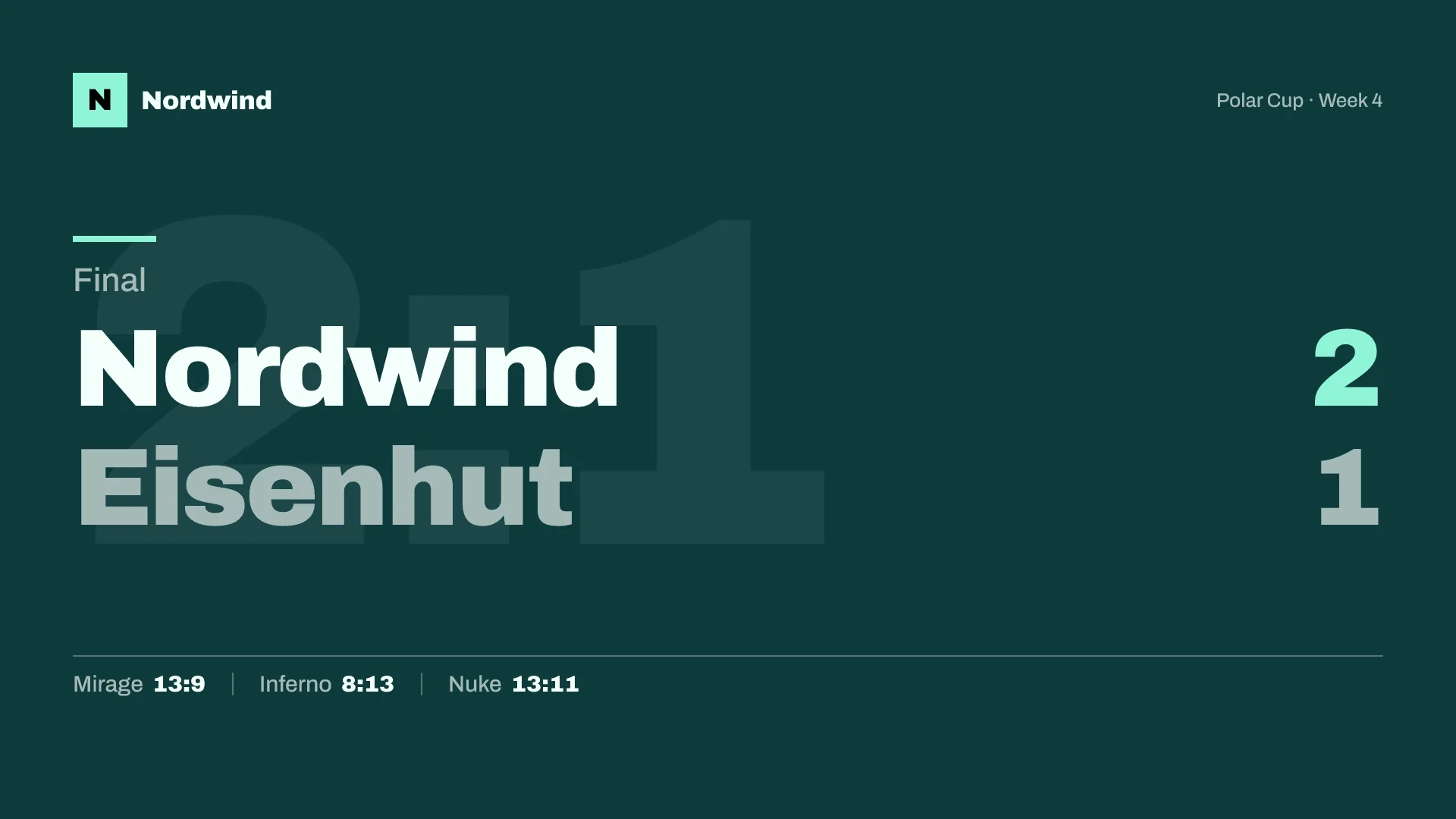
The landscape version is for X, YouTube community posts and the stream's end screen. Same content, different shape.
Where each post goes
Every post above goes out in four sizes. Which size goes where:
| Size | Pixels | Use it for |
|---|---|---|
| Square | 1080 x 1080 | Discord, Instagram feed, X |
| Portrait | 1080 x 1350 | Instagram feed |
| Story | 1080 x 1920 | Instagram stories and Reels, TikTok |
| Landscape | 1920 x 1080 | X, YouTube, stream overlays |
Keep text away from the top and bottom edges of a story, where the platform puts its own buttons. The guide to image sizes has the details for each platform.
Discord is the first place to post, not the last. Your most loyal followers are there, and a results channel that is always up to date is what makes them check it.
Mistakes that cost followers
- Posting only wins. Covered above. It is the most common one.
- A different look every week. If each graphic looks different, nobody recognises your team in the feed. Pick one style and keep it for the season.
- Typos in the score. Check the score against the match page before posting. A wrong result gets screenshotted.
- No time zone. "Tonight at 7" is three different times for three countries.
- Making the graphic after the match. The result post is late when the person making it starts after the last round. Prepare the template before the match and fill in the score at the end.
That last point is why we are building gelvik. You set up your logo, colours and roster once and enter a match, and the announcement, the starting five and the result come out in your colours in all four sizes; on the paid plans, the live post and the score updates do too. It launches in early 2027; join the waitlist to hear when it opens.
The matchday checklist
Copy this into your team's notes and tick it off on matchday.
Day before, or by noon
- Announcement graphic: opponent, date, time with time zone, competition, format
- Posted in Discord and pinned
- Posted to Instagram feed and story, X, TikTok
- Opponent and organiser tagged
One hour before
- Starting five confirmed with the captain
- Roster graphic: handles only, roles if used
- Posted; players asked to share it
At the start
- Live post with the stream or match page link
- Story with link sticker
After each map (best-of-three or five)
- Score update: series score and map score
Within 15 minutes of the end
- Score checked against the match page
- Result graphic posted, win or loss
- Opponent tagged, one line of respect
- Next match mentioned
- Results channel in Discord updated